
DiscordMC_IRC
An IRC between Discord and Minecraft
First copy .env_demo to .env and replace:
TOKEN=your.bot.token_here (the tolken of your Discord bot)
CHANNEL_ID=id_of_channel
(right click on channel and 'Copy ID': you should have developer mode enabled or
recover the 4th part of your browser link: https://discord.com/channels/IdOfGuild/THAT)
MINEFLAYERCONFIG_HOST=host_of_mcserver (the IP of server you want to connect your IRC like 'mc.server.net')
MINEFLAYERCONFIG_USERNAME=username_of_ircbot (name of IRC bot ingame 'IRCBot')
MINEFLAYERCONFIG_PORT=port_of_mcserver (the port of you server you want to connect like '25565')
MINEFLAYERCONFIG_VERSION=version_of_mcserver (the version of server like '1.16.5')
Then copy data/avatarException_example.json to data/avatarException.json
This file allow you to set custom avatar for players which avatar will not showed on discord
For example:
[
    {
        "name": "_Fox3000_",
        "redirect": "https://raw.githubusercontent.com/fox3000foxy/avatarException/main/Fox3000.png"
    }
]
set my avatar to
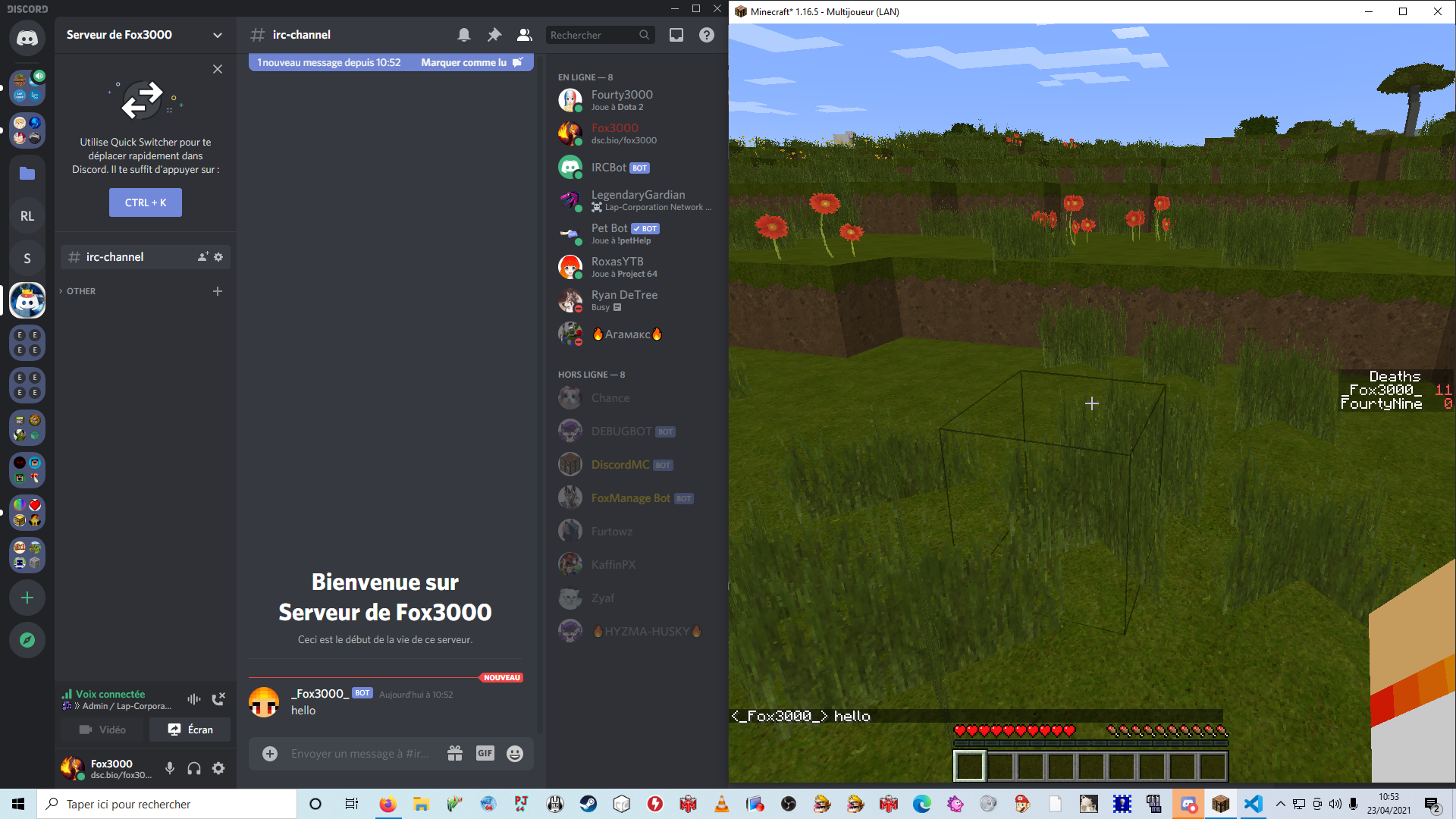
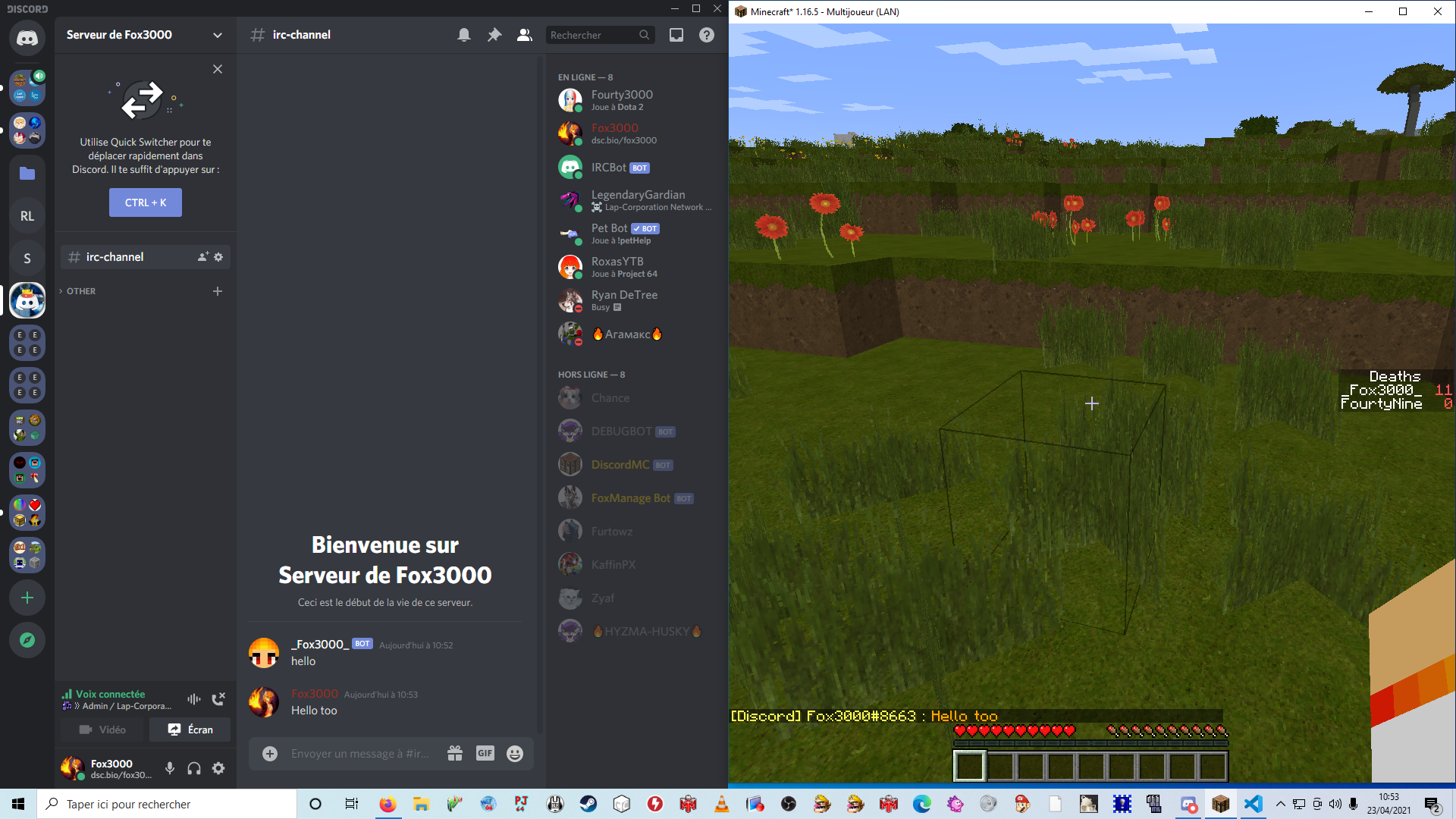
Your Discord bot should be an administrator, and your MC bot should have access to /tellraw command